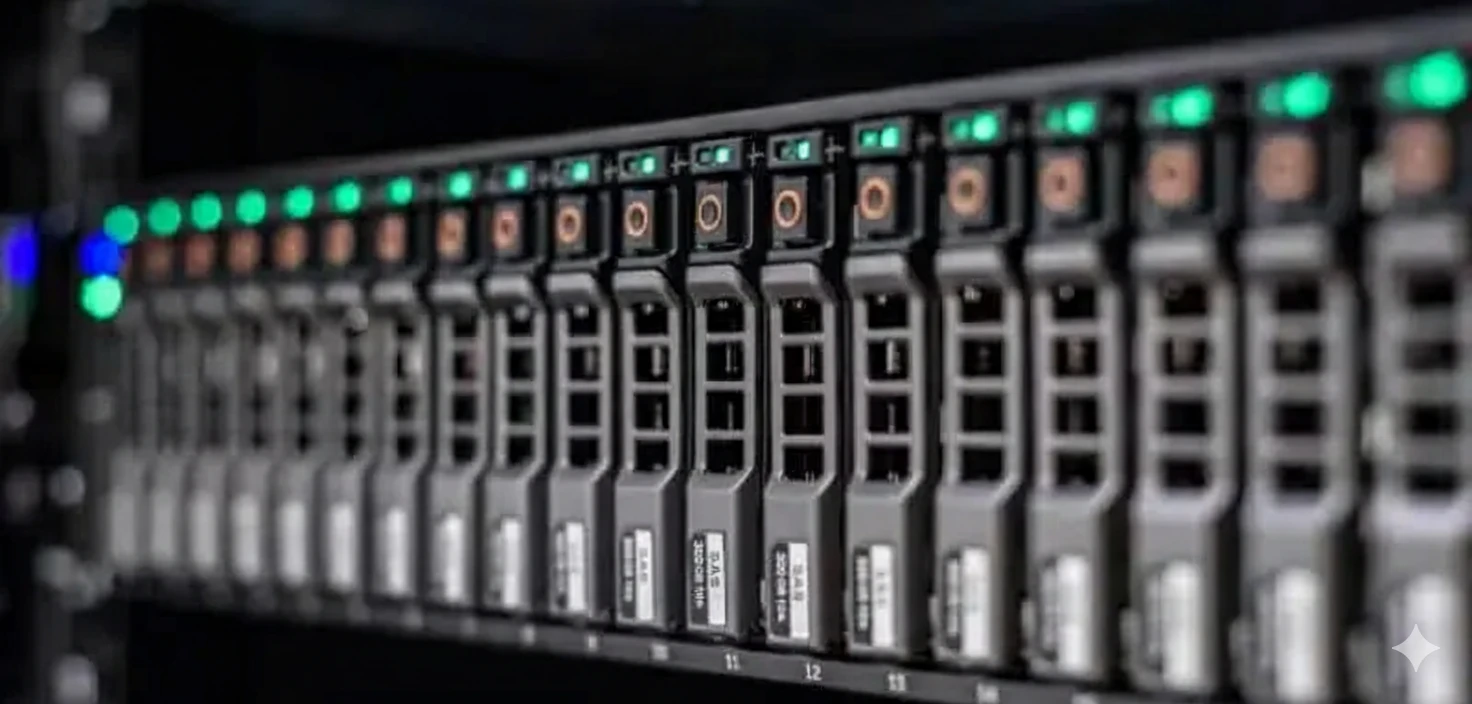
Combining thorough testing, premium refurbished components, and up‑to‑date platforms, GreenIT provides storage solutions purpose‑built to protect critical data and scale capacity—without inflating your budget.
From dev/test to backup systems, refurbished storage delivers enterprise performance at 50-80% savings
Deploy refurbished Dell EMC VNX/Unity, NetApp FAS, or HPE 3PAR arrays for development, testing, and non-critical business data storage. Perfect for staging environments, QA labs, or secondary applications where tier-1 performance isn't required. Get enterprise features like snapshots and thin provisioning at massive cost savings.
Build cost-effective storage for edge data centers and remote branch offices with refurbished NAS and SAN systems. Ideal for distributed enterprises needing local file shares, application storage, or data caching. Scale from 10TB to 100TB+ capacity per site without breaking the budget.
Implement backup infrastructure and disaster recovery sites with refurbished Dell EMC Data Domain, HP StoreOnce, or disk-based backup targets. Deploy deduplication appliances or long-term archive storage at fraction of new equipment cost. Perfect for Veeam, Commvault, or NetBackup environments requiring cost-effective capacity expansion.
Support educational institutions and research organizations with affordable refurbished storage systems. Perfect for universities, schools, research labs, or training centers needing enterprise-grade storage for student data, research datasets, or learning environments. Get NetApp, Dell EMC, or HPE storage at education-friendly prices.
Other suitable scenarios: File sharing/collaboration platforms, media archives and content repositories, video surveillance storage, capacity expansion for existing arrays, secondary/tertiary storage tiers, cold storage for compliance/archival, object storage deployments, software development repositories, test data management, and any storage workload where refurbished equipment delivers 5-10 years of reliable service with proper disk maintenance at 50-80% cost savings.
Compare key features, typical use cases, and cost-effectiveness of major storage vendors
💡 Pro Tip: Storage vendor choice depends heavily on existing infrastructure and required features. NetApp excels in NAS and VMware integration, Dell EMC offers broadest portfolio, HPE provides strong all-flash performance, Hitachi serves mission-critical needs, Pure innovates in modern workloads. Refurbished storage typically has 5-10 years remaining lifecycle with proper disk replacement.
Start with: 1) Current data volume and 3-year growth projection (typically 20-40% annual), 2) Snapshot/backup retention requirements, 3) Required RAID overhead (RAID 5/6 reduces usable by 20-33%), 4) Overhead for thin provisioning and formatting (~10%). Example: 50TB raw data + 30% growth + 25% RAID + 20% snapshots = ~90TB usable needed. Consider deduplication (3:1 to 10:1 ratios) for backup storage. We can help with sizing.
SAN (Storage Area Network) provides block-level storage via iSCSI or Fibre Channel, ideal for databases, VMware datastores, applications requiring low latency. NAS (Network Attached Storage) provides file-level storage via SMB/CIFS or NFS, perfect for file shares, user directories, media storage. SAN typically offers better performance, NAS easier management. Unified storage (Dell EMC Unity, NetApp FAS) supports both protocols.
All-flash: Best for latency-sensitive workloads (databases, VDI, analytics), consistent sub-ms response, but higher $/GB. Hybrid (SSD + HDD): Cost-effective for mixed workloads, auto-tiering moves hot data to SSD, 70% lower $/GB than all-flash. Choose all-flash for: high IOPS requirements, consistent performance needs. Choose hybrid for: capacity-focused deployments, mixed workload patterns, budget constraints. Refurbished makes all-flash affordable for more use cases.
Enterprise drives (SAS/SATA) typically last 5-7 years with proper use. Our refurbished arrays undergo drive testing and replacement of weak drives. Key factors: 1) Drive age and power-on hours, 2) RAID protection prevents data loss from single drive failures, 3) Hot spares automatically replace failed drives, 4) Predictive monitoring alerts before failures. Plan for 10-20% annual drive replacement in year 4-7. Many customers run refurbished storage 5-10 years with gradual disk refreshment. SSD endurance typically measured in drive writes per day.
Depends on vendor and RAID configuration. Generally: Same capacity drives per RAID group recommended for optimal space utilization. Dell EMC Unity/VNX: Supports mixed capacities with some waste. NetApp: RAID-DP allows mixed but uses smallest drive size. HPE 3PAR: Better flexibility with adaptive optimization. Best practice: Keep same capacity/type per RAID set, but different RAID sets can vary. Modern systems with dynamic pools handle mixed drives better. We can configure optimal layouts for your requirements.
Multiple migration approaches: 1) Host-based: Use Robocopy, rsync, storage vMotion (minimal downtime), 2) Array-based replication: Use native tools (SnapMirror, RecoverPoint, VPLEX) for block-level migration, 3) Third-party tools: Use migration appliances for heterogeneous environments. We offer migration services including: assessment, migration planning, execution support, post-migration validation. Plan for: maintenance windows, bandwidth requirements, cutover procedures. Most migrations complete in 24-72 hours depending on data volume.